 BIBIMER
Your phone.
Your dev environment.
Turn your Android phone into a development environment. Bibimer is a mobile ADE that brings projects, coding-agent sessions, chats, and terminals together with Termux on the same phone.
 Get Bibimer on Google Play
Free · Android 8.0 or later · Termux on the same phone
The app and website support ten languages. The app follows your device language by default; you can choose another in Settings.
Projects and tools run on your phone. Connected agents may use online AI providers.
Conversations, projects, and files
Your projects, on your phone
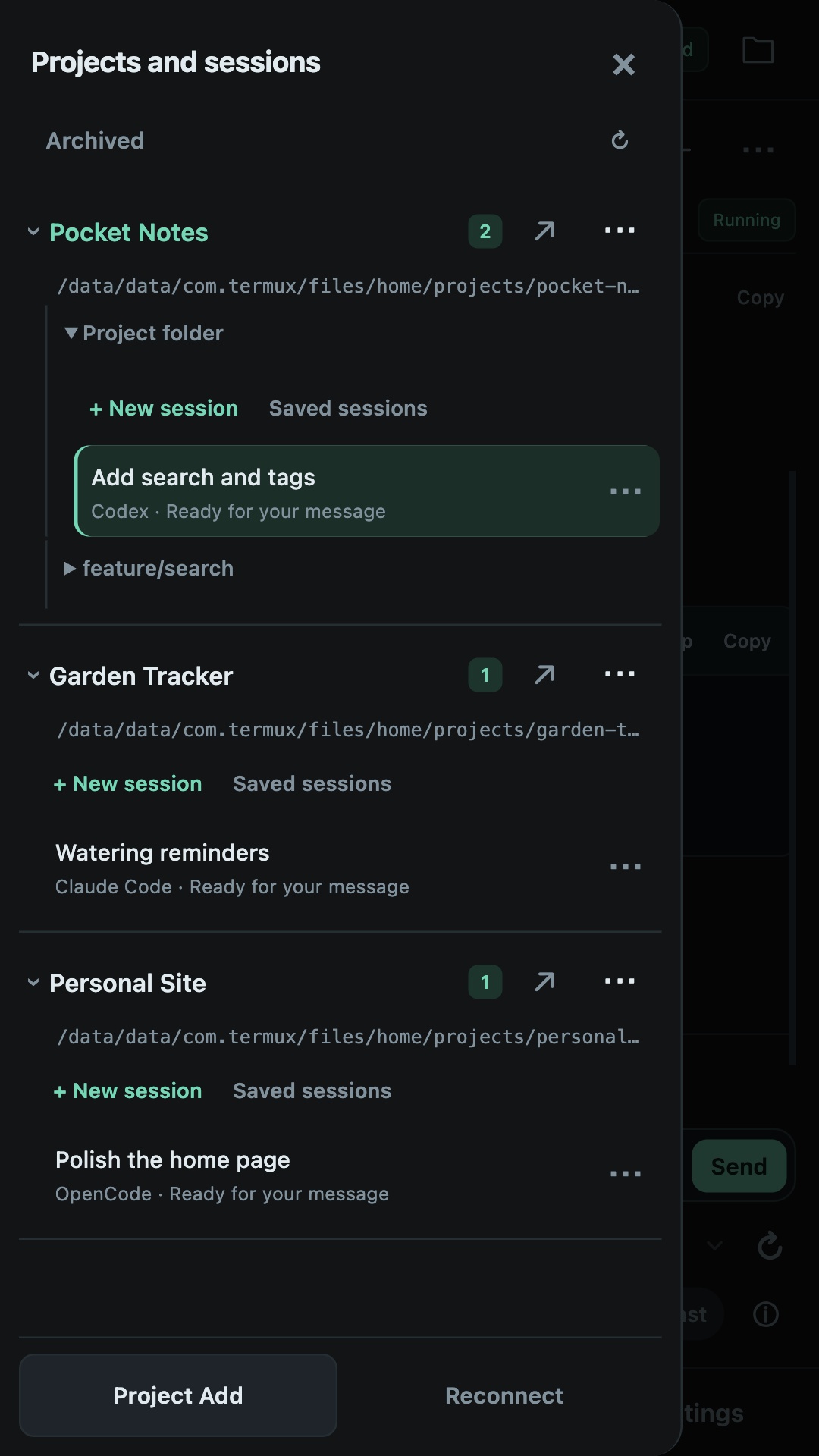
Your project files, Git, and compatible development tools run in Termux on your phone. Manage projects and existing worktrees without a separate development computer or remote host.
Chat and terminal
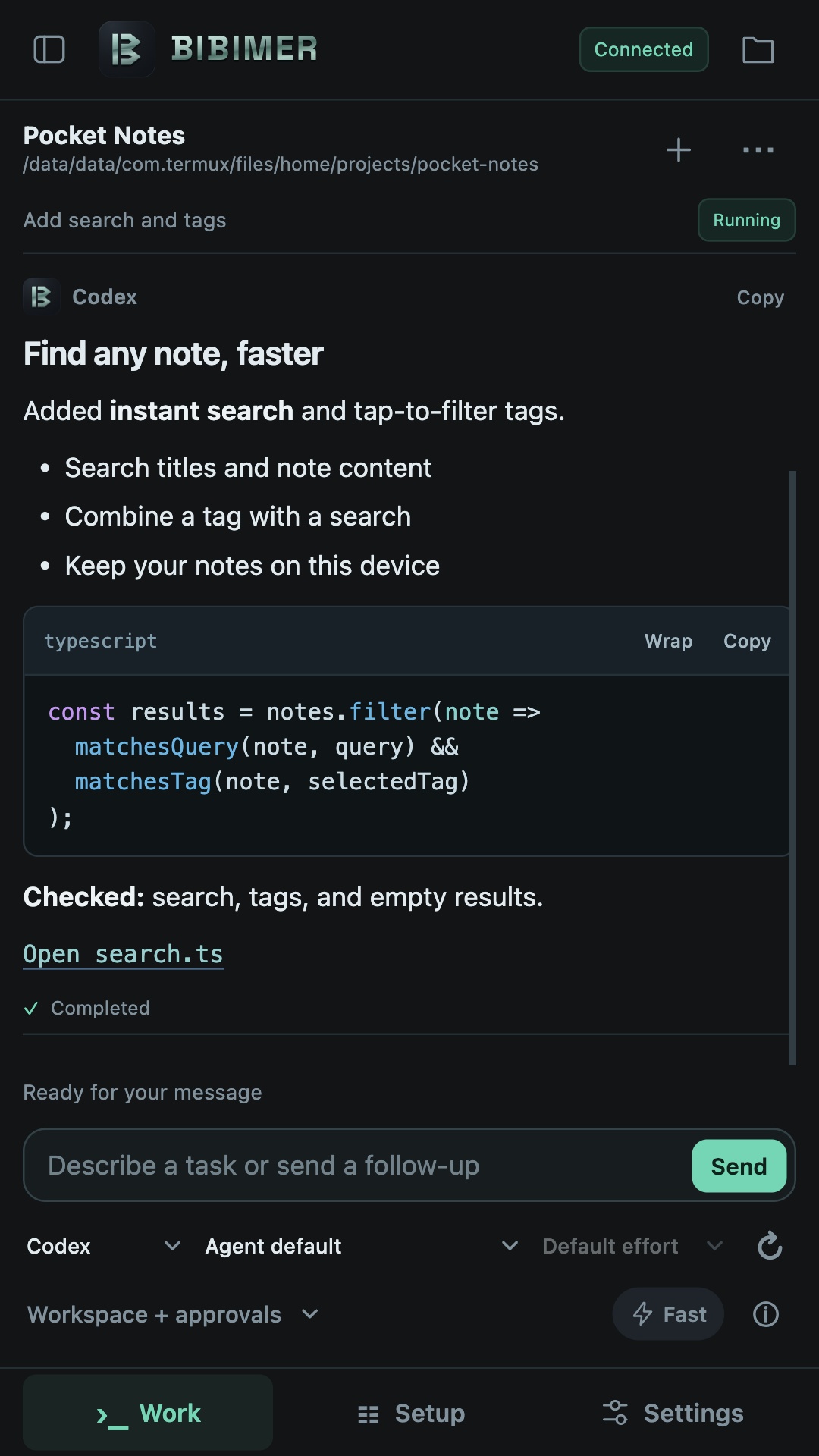
Follow structured conversations and tool activity. Send instructions, respond to approvals, and queue follow-up messages.
Your choice of agent
Connect compatible installations of Codex, Claude, and OpenCode. Choose from the models and options your installed agent supports.
Read files and Git changes
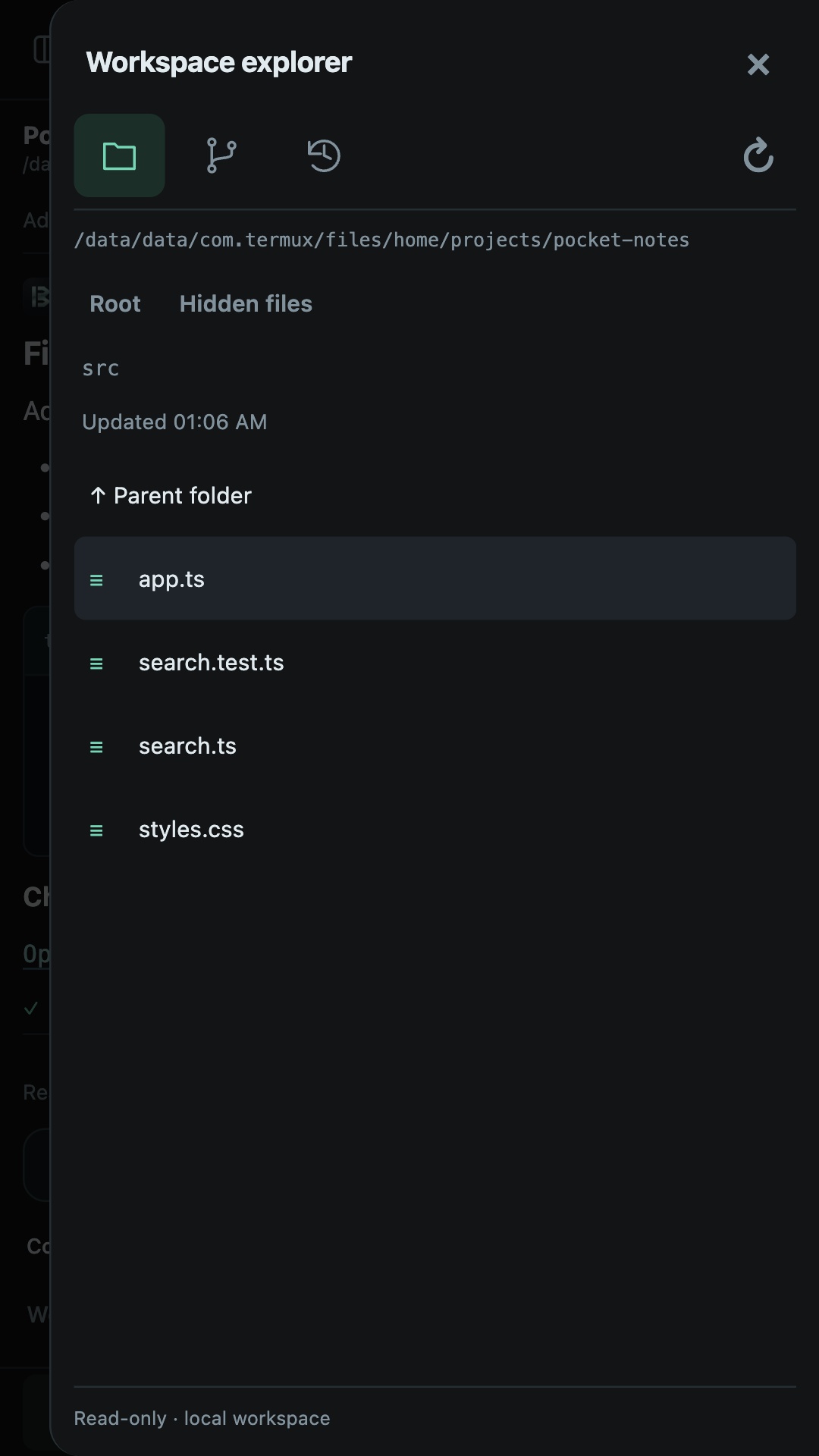
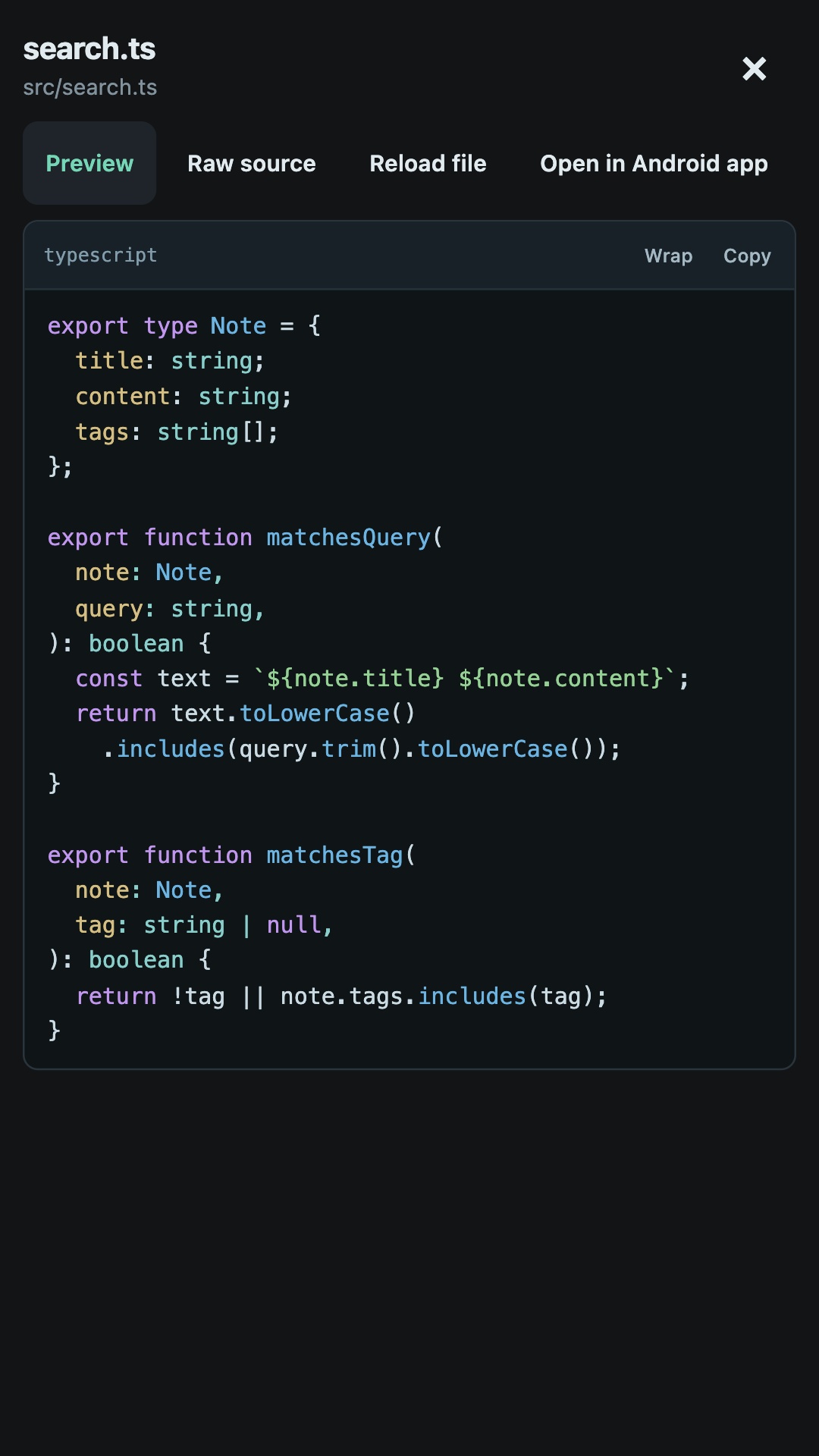
Read code with syntax highlighting and inspect Git diffs. Preview Markdown, static HTML, and Mermaid diagrams. Open Office documents, images, and PDFs with compatible Android apps.
Start with Termux
Termux brings a Linux command-line environment to Android, with Git, Python, Node.js, and many other tools. Install it on the same phone and follow Bibimer's setup guide. Start with terminal mode; compatible agent installations and provider authentication are separate steps.
Agents may send your prompts, code, and files to their configured providers and tools. Provider fees and age requirements depend on the services you use.
Termux installation guideWhy Bibimer?
Bibimer takes its name from 비빔 (bibim), Korean for mixing things together, plus the suffix -er. It reflects the idea of mixing an Android app, Termux, and coding agents into one development environment.